
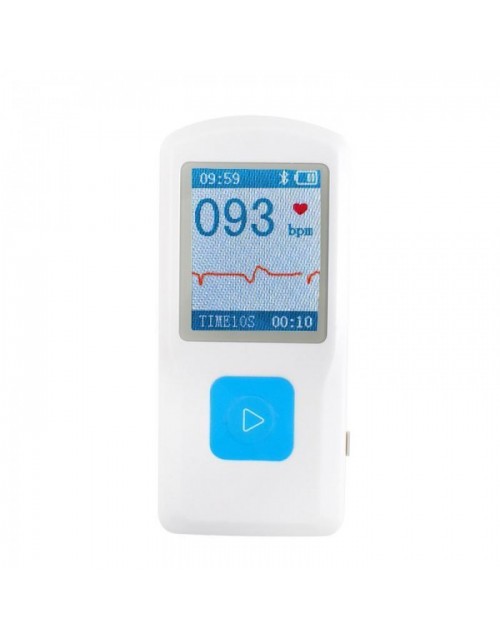
How To Set Time on Your PM10 ECG Monitor
PM10 ECG Monitor – Set Time
If you own the PM10 ECG monitor and are puzzled as to how to set the correct date and time, here’s a quick guide!
- Download the software here
- Connect your PM10 to your PC using USB cable provided.
- Open your PM10 software on your PC, and you should be able to locate your device.
Once successfully connected, the time will automatically update. You don’t need to do anything. Just unplug your device, power it on, and you will see the time is now correct.